Connect Claude to AgentReacher
Add the AgentReacher connector in claude.ai or the Claude app, sign in once, and Claude can start working inside your social media workspace. Connectors sync between claude.ai and the app.
Connect Claude
Add AgentReacher as a custom connector in claude.ai or the Claude app.
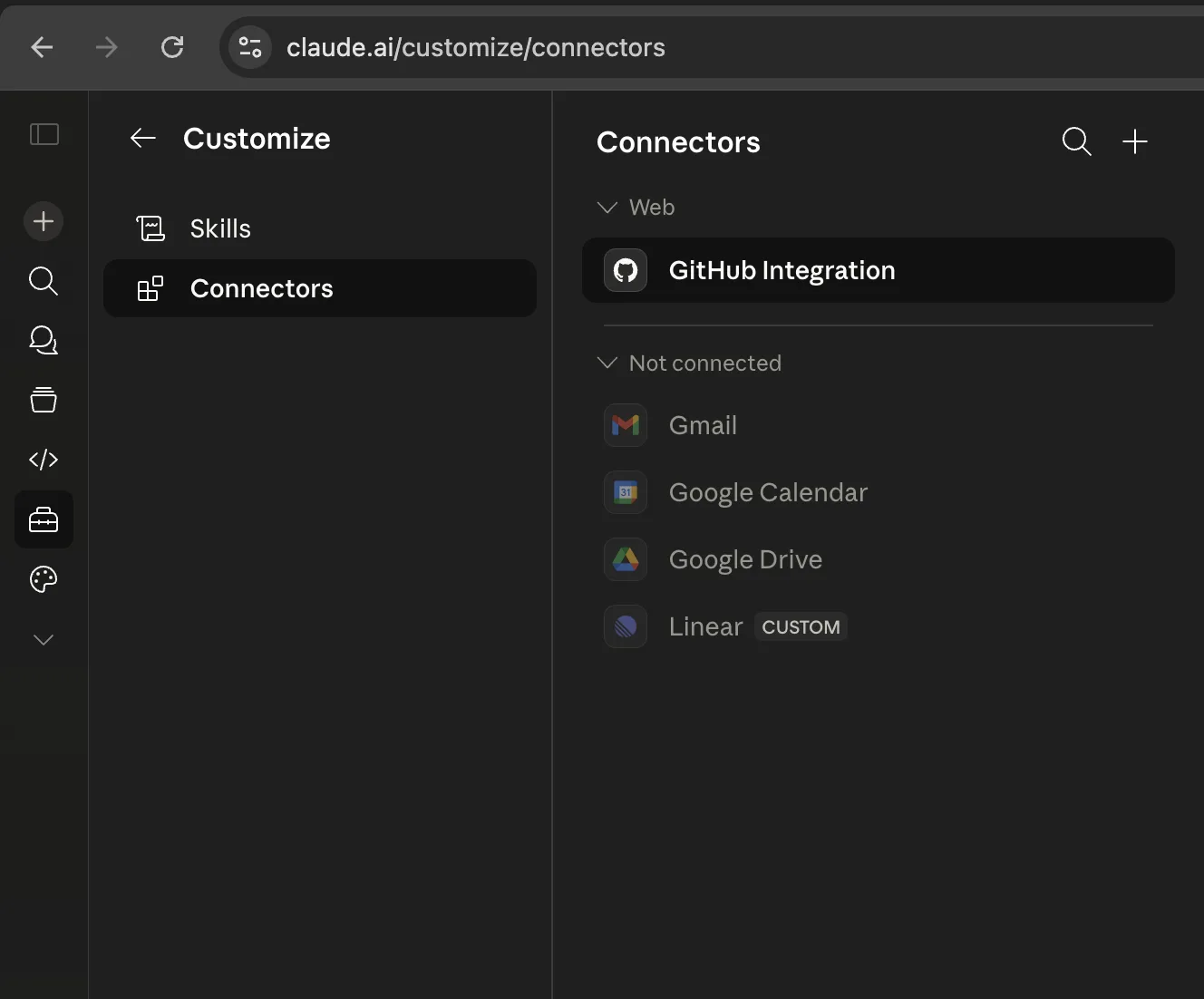
Add AgentReacher Connector
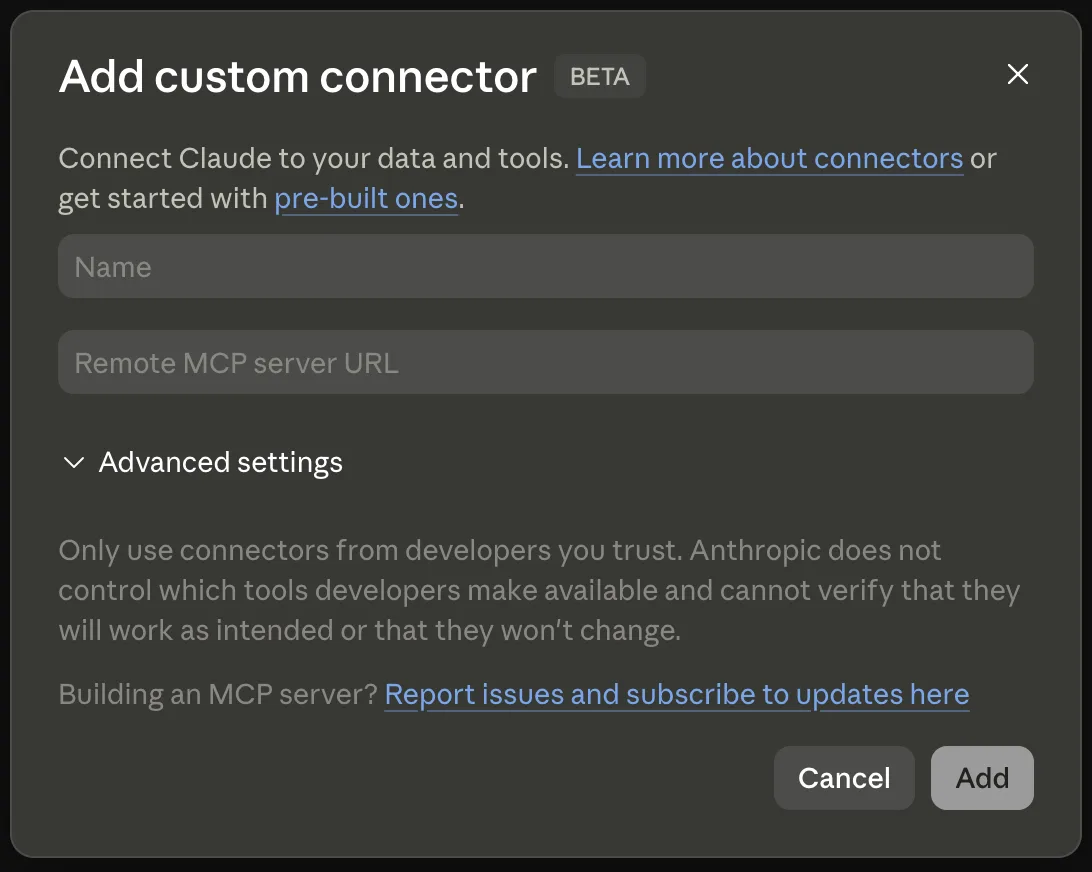
Use AgentReacher.com as the connector name and paste the AgentReacher MCP URL. Leave Advanced settings empty.
Name
Remote MCP server URL
Start using the tools
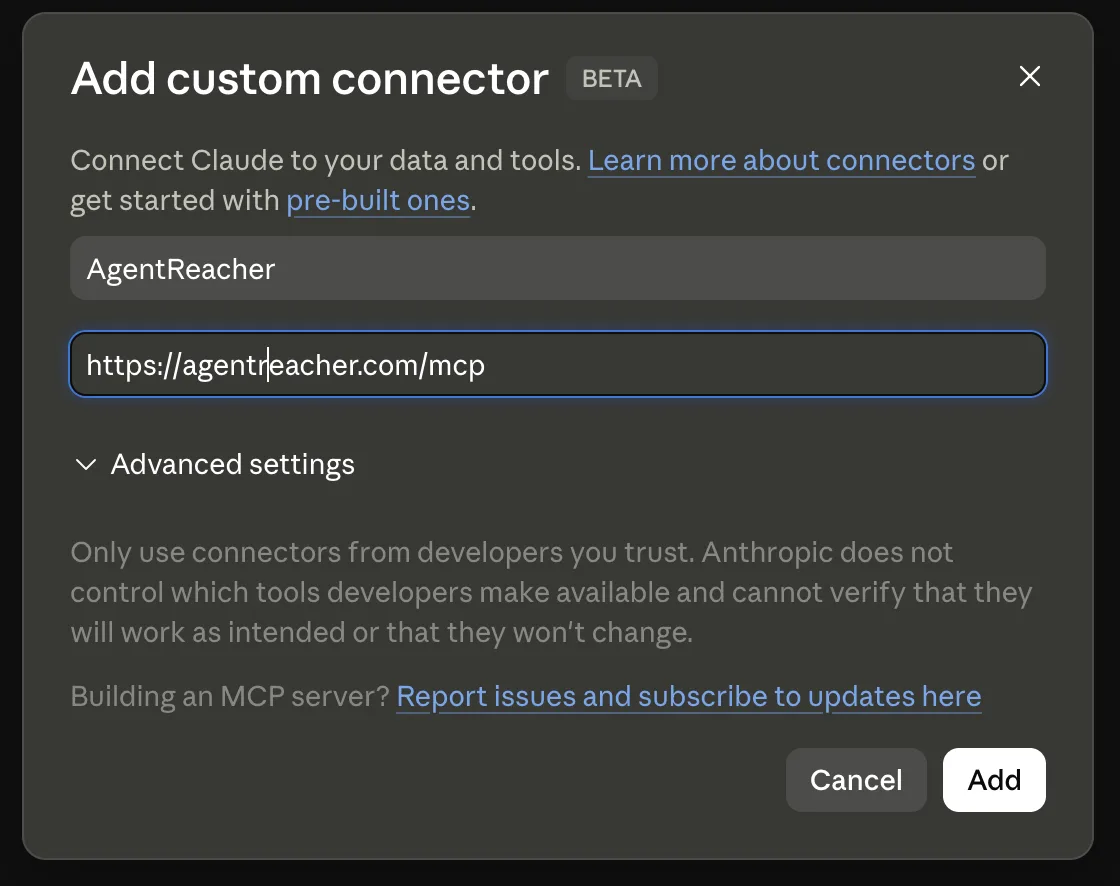
Once Claude confirms the connector, AgentReacher tools are available in claude.ai.
Connect Claude Code
Claude Code uses the same AgentReacher MCP server from your terminal.
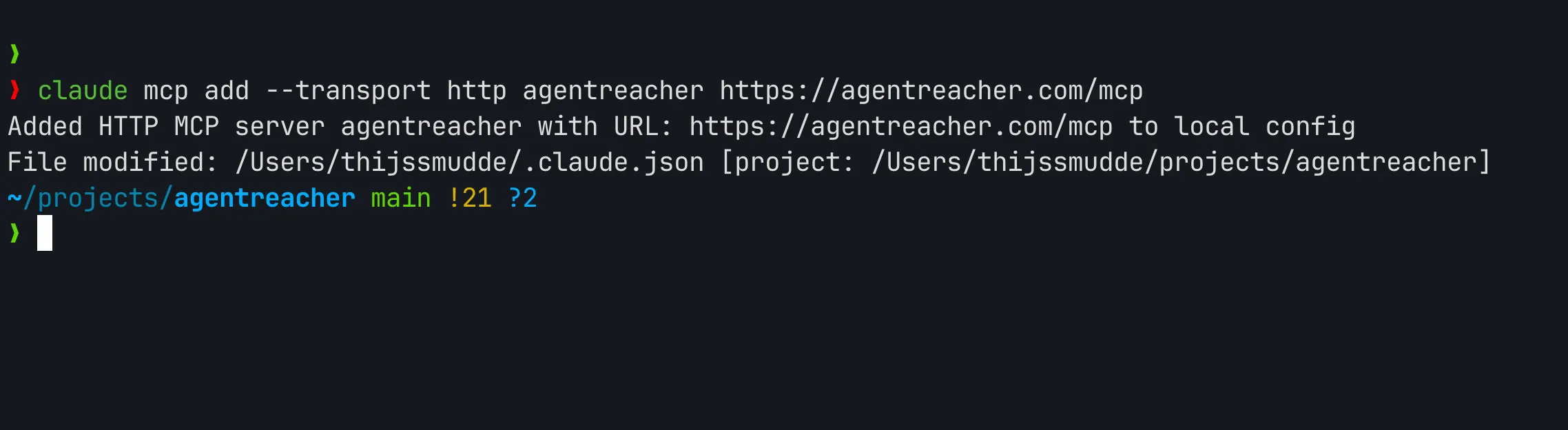
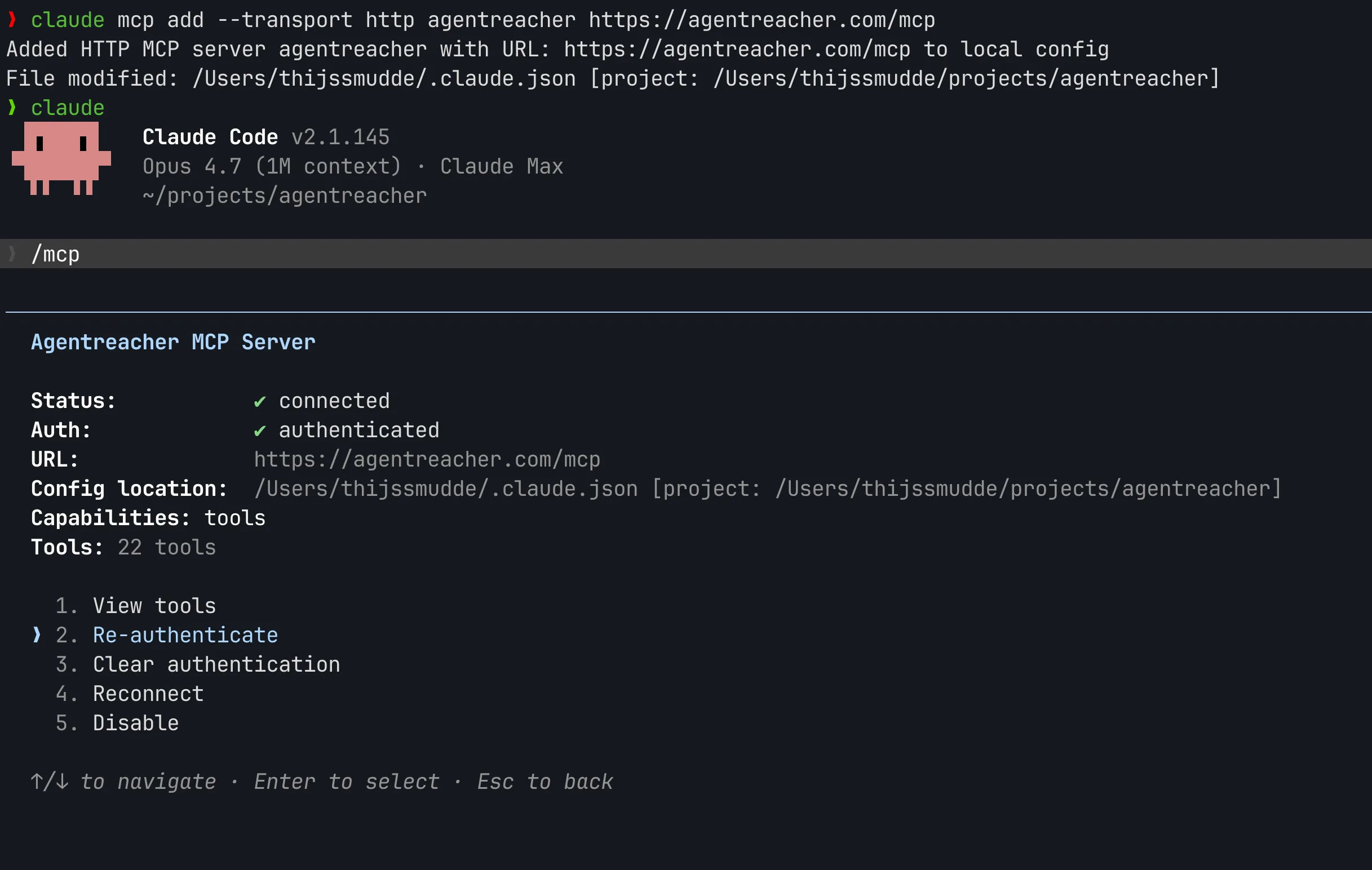
Run the MCP command
Open your terminal and add AgentReacher to Claude Code with the hosted HTTP MCP command.
Approve the connection
Start Claude Code in your terminal, run /mcp, then re-authenticate AgentReacher. Claude Code opens a link you can click to approve the connection.
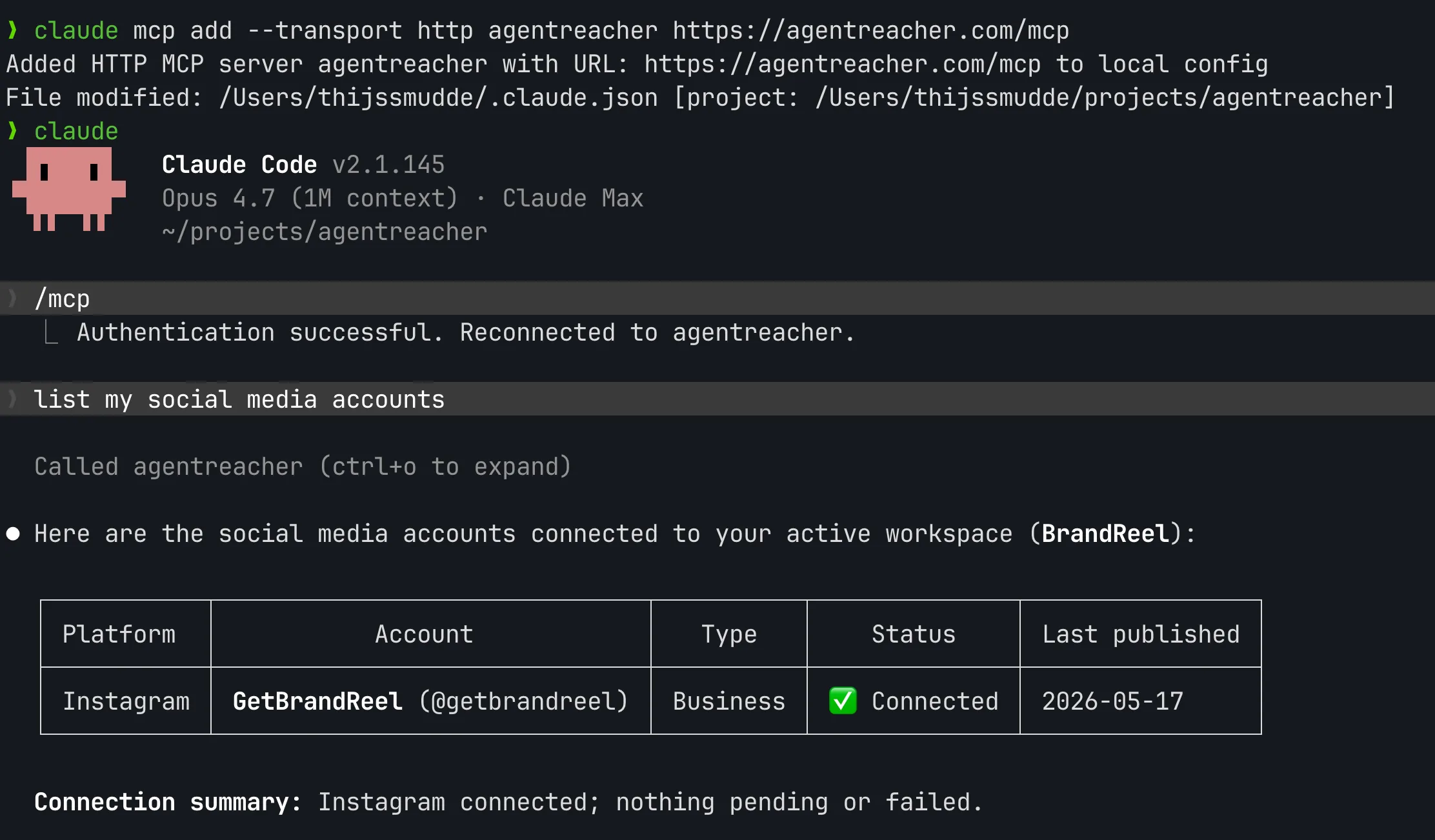
Use AgentReacher in Claude Code
After setup, Claude Code can draft, schedule, and publish social posts through AgentReacher tools.
Try these prompts
Copy any of these and paste into a new chat to put Claude to work.
View all Tools